Built to amplify artistry rather than replace it, CorelDRAW® Graphics Suite introduces intelligent tools in CorelDRAW and Corel PHOTO-PAINT that accelerate ideation and improve your workflow. AI Generate transforms text descriptions into custom images in seconds, while new AI-powered editing tools, including prompt-based image modification, one-click background removal, and AI object selection and clip masking, deliver professional precision faster than ever.
Beyond AI, experience a refreshed interface, along with significantly improved stability and performance, including app launch times around three times faster or more! Subscribers also benefit from new content and updates to CorelDRAW Web.
Creativity meets productivity in the classroom with CorelDRAW® Graphics Suite. This award-winning design solution empowers students to express their creative talent and deliver impressive design assignments for all types of art, design, and CAD-related courses.
This powerful collection of professional vector illustration, layout, photo editing, and typography applications is fully loaded with intuitive tools, templates, and training content to advance learning and ensure success.
Students can confidently create from the very beginning with personalized in-app learning content, providing tailored tips, tutorials, and practice projects. With cloud-based design templates they have unlimited options for producing brochures, posters, assignments, and more, giving them an innovative edge in their design journey.
Built for Windows, Mac, and web, a low-cost CorelDRAW Graphics Suite subscription or licensing with maintenance provides incredible ongoing value with instant, guaranteed access to exclusive new features, content, and support for the latest technology, including a browser-based version of CorelDRAW for flexible on-the-go creativity.
Join the thousands of academic institutions around the globe who choose CorelDRAW Graphics Suite for professional-level creativity at an affordable price.
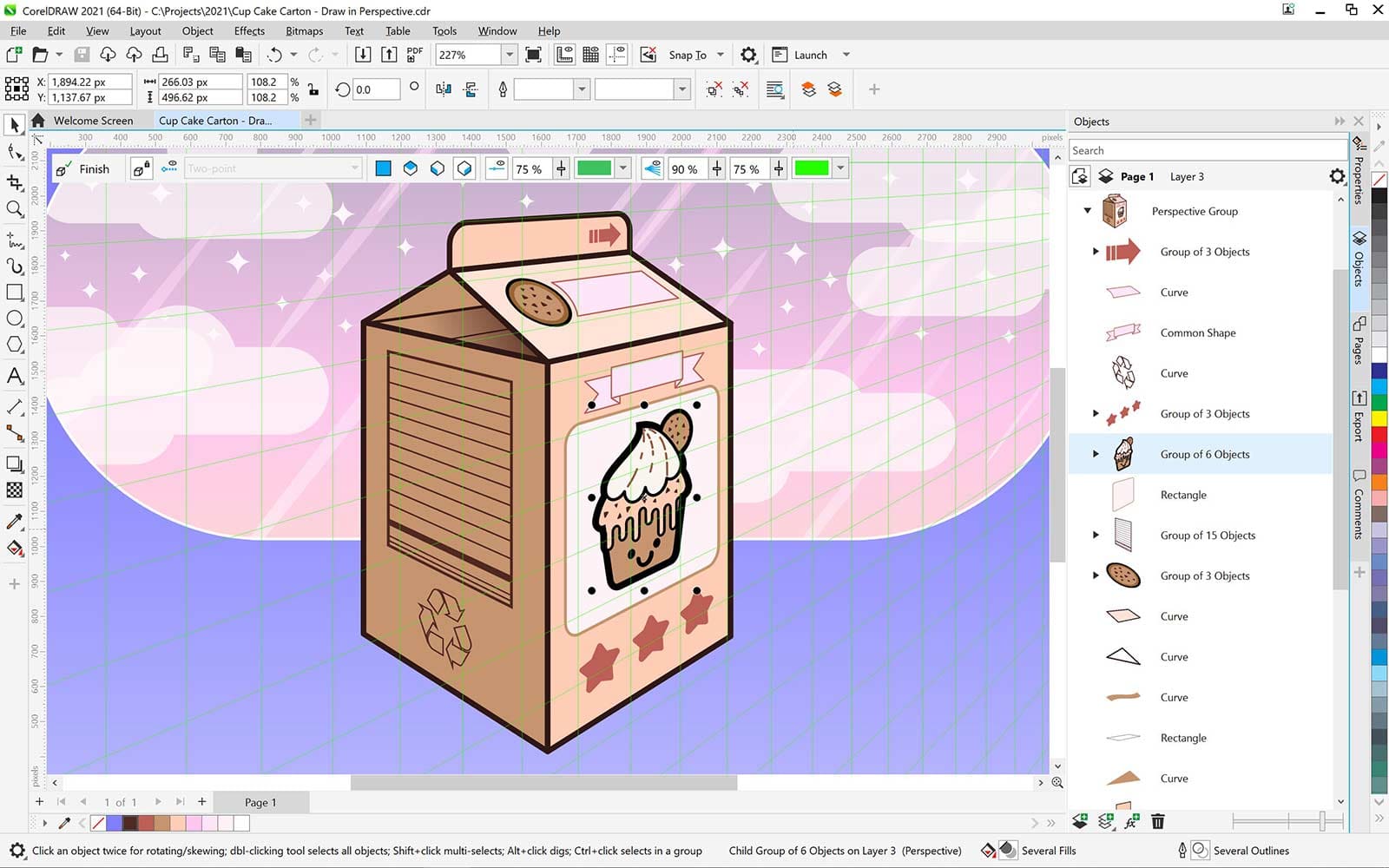
Use CorelDRAW's powerful vector illustration tools to turn basic lines and shapes into complex works of art. Create curves with many versatile shaping and drawing tools. Add creative effects to your vector artwork with effect tools like Contour, Envelope, Blend, Mesh Fill, and more.
Find all the tools you need to create layouts for brochures, multi-page documents and more. Toggle between single page and multipage editing, giving you creative freedom to work the way you want.
Arrange type beautifully with a complete set of typography tools. Add effects to text like block shadows and contours. Fine-tune fonts responsively with variable font support, fit text to paths, and more.
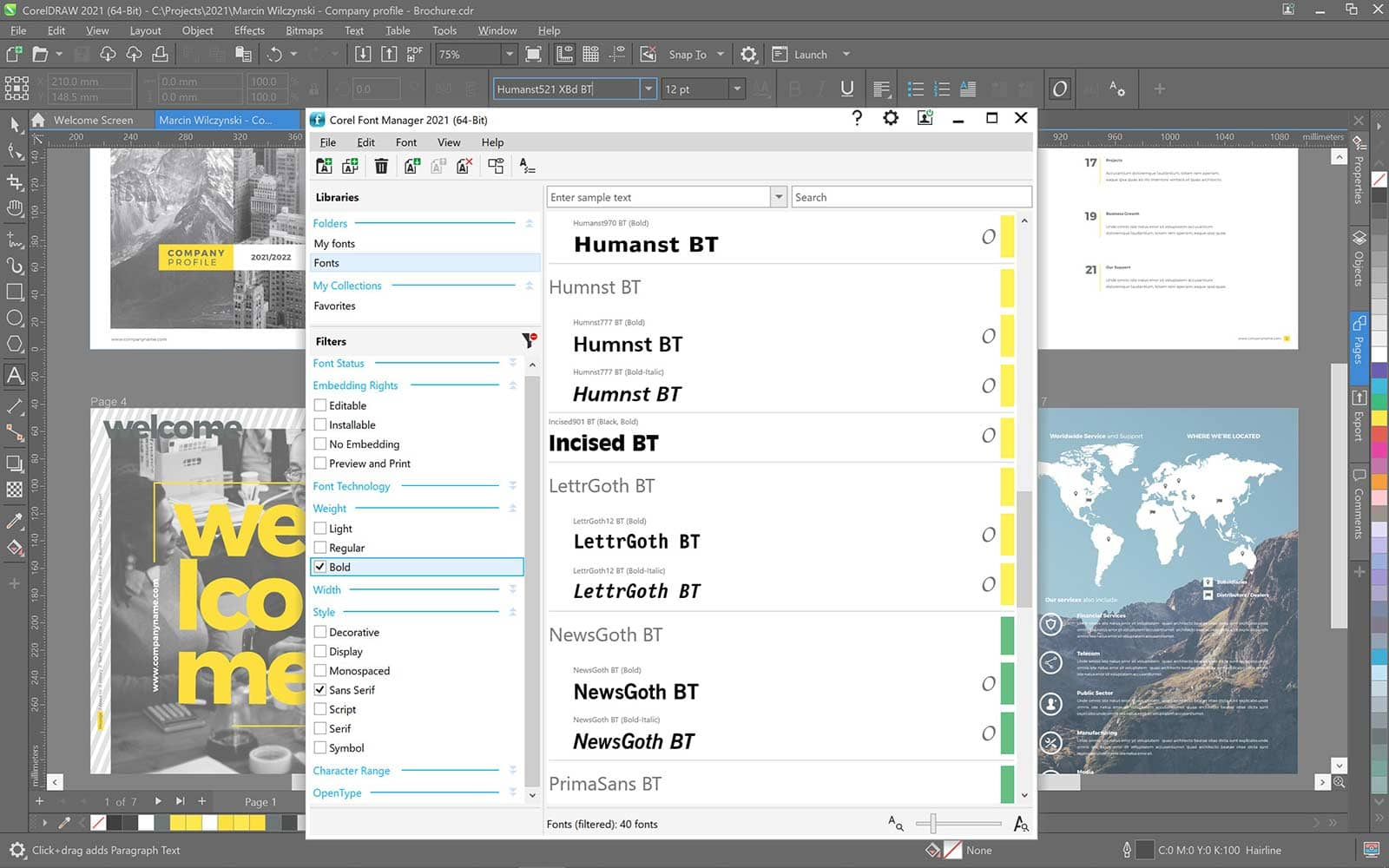
Organize and manage your font library with the intuitive Corel Font Manager, and use your favorite fonts without having to install them. Work faster with fonts using the network storage feature, and enjoy direct access to over 1,700 Google Fonts families.
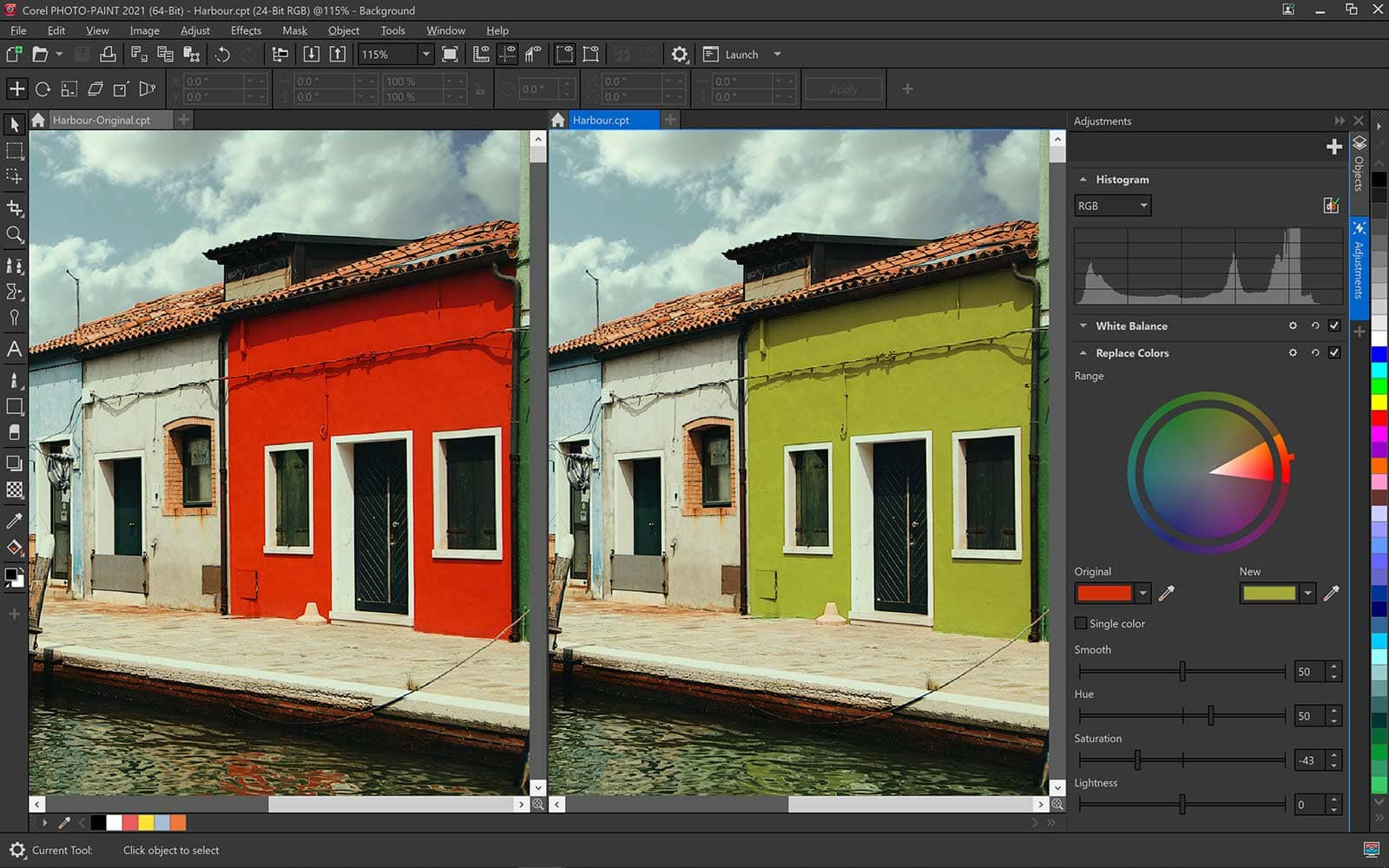
Adjust color and tone, remove imperfections, correct perspective and more with Corel PHOTO-PAINT's powerful layer-based photo editing tools. Improve the size and quality of your images with artificial intelligence.
Speed up your workflow with powerful AI tools that support creativity at every stage. Create and refine visuals with prompt-based generative image creation and modification, make faster, more accurate edits with AI-assisted image masking, and cleanly isolate subjects using AI background removal.
Create anything and everything with this powerful full-featured graphic design application for vector illustration, page layout, and more.
Corel PHOTO-PAINT
Process images in high gear with the robust AI-powered Corel PHOTO-PAINT™ and enjoy an integrated workflow with CorelDRAW.
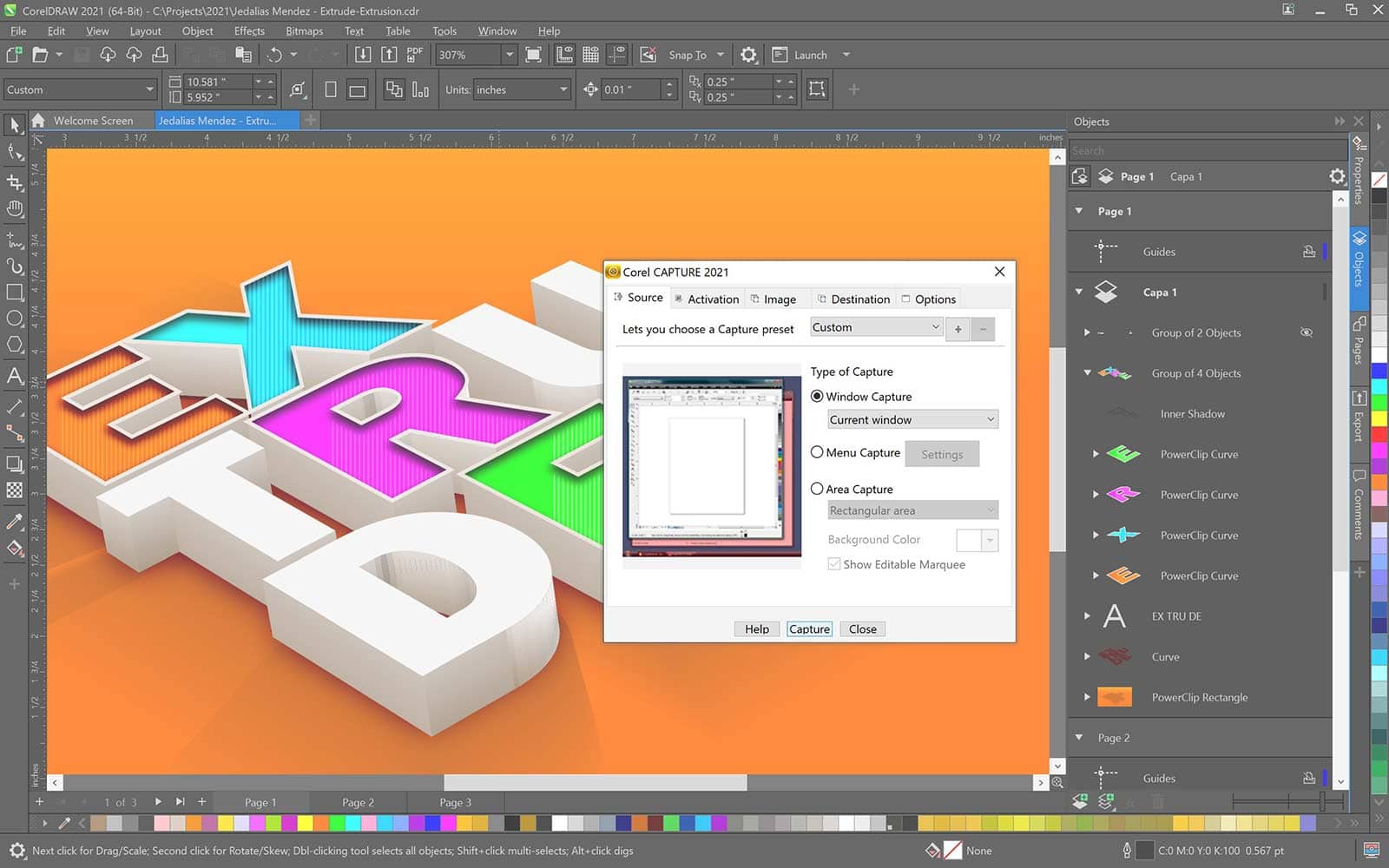
CAPTURE
Capture and save images of your computer screen, including the entire screen, individual windows, or menu lists, in one click.
Corel Font Manager
Organize and manage your font library with the simple, yet intuitive, Corel® Font Manager, and use your favorite fonts without needing to install them.
Quickly edit and transform images using AI-powered remixing for near-instant photo edits. Mock up designs, swap elements, and place subjects in new settings.
Remove photo backgrounds instantly with a one-click AI tool that delivers clean, ready-to-use results, even around fine details like hair and fabric.
Get more precision and control over background removal in Corel PHOTO-PAINT with new AI-assisted subject selection and clip masking. These intelligent tools make detailed masking faster and more accurate.
Work more comfortably with a modernized interface designed to reduce friction across everyday design tasks.
Benefit from significantly improved stability and performance, including dramatically faster application launch times.
Main Applications
Content
Tech Specs
Windows
Mac